Content Editor: Your full context, better first drafts, and an effortless finish line
Draft, design, and publish fully designed content, with AI and humans working from your full brand context, on one canvas.


AI made the writing fast. Everything after the first draft is still slow. You still have to edit the text in docs, chase the designer for a Figma prototype and rebuild formatting in your CMS. You never see the finished asset until the last mile; it's too late to change anything structural.
Content Editor brings content creation and publishing into a single workflow. Draft with Content Agent, using the same shared context behind every campaign: product knowledge, customer insights, team expertise, market signals, and brand voice. And design, review and publish from the same canvas without switching tools.
Content Editor: Where AI and humans finish content together
The core idea
Every other content tool makes you painstakingly assemble the work. Magi's Content Editor is the only tool which brings brief, brand, knowledge, and AI into one place.
For marketing and content teams doing more with less, Magi's editor is the connected surface where AI and your team create finished, on-brand content together without leaving the page.
The typical publishing workflow for marketing is still fragmented. Briefs, keywords, brand guidelines, drafts, reviews, and publishing all happen in different places.
Built on BrandOS, Content Editor brings your product knowledge, customer context, brand voice, visual guidelines, and legal standards into every stage of the workflow. AIQ remembers the decisions your team makes, so those preferences don't have to be repeated with every new piece of content.
The problem we’re solving
The enemy is the franken-stack.
A single marketing asset crosses eight tools today.
Research stays in internal docs.
The brief starts in a Google Doc.
Keyword research happens in Semrush.
Brand guidelines are in a PDF.
Drafts are copied into Notion.
Feedback comes through Slack.
Design moves to Figma.
Formatting happens in HubSpot before the page finally goes live.
Every handoff slows the work down and leaves a little more context behind. And because the AI never sees the whole picture, it churns out generic drafts that marketers have to spend hours rewriting.
Content Editor turns eight disconnected steps into one continuous workflow.
What's inside the Content Editor?
Edit text the way you would in a design tool
Stop bouncing between Google Docs and Figma just to format the final version. Marketing can edit, style, and publish from the same place.
Typography controls
Select any text and change font family, weight, size, line height, color, highlights, and text styles. Apply your BrandOS fonts automatically so every document follows your brand guidelines without manual formatting.
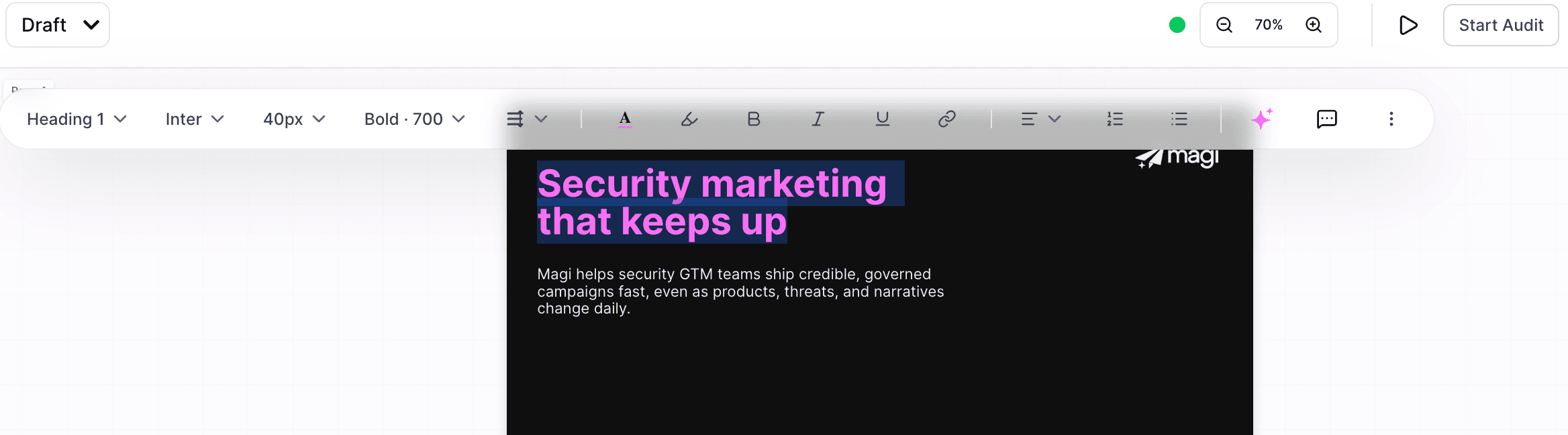
Rich text formatting
Apply bold, italic, underline, hyperlinks, headings, quotes, bullets, numbered lists, and alignment. Turn a rough draft into a polished proposal, landing page, or case study in minutes.

Create page layout without opening Figma
Content editor helps you view your content in its final form. Page Settings helps you define custom page sizes, set portrait or landscape orientation, and add padding.
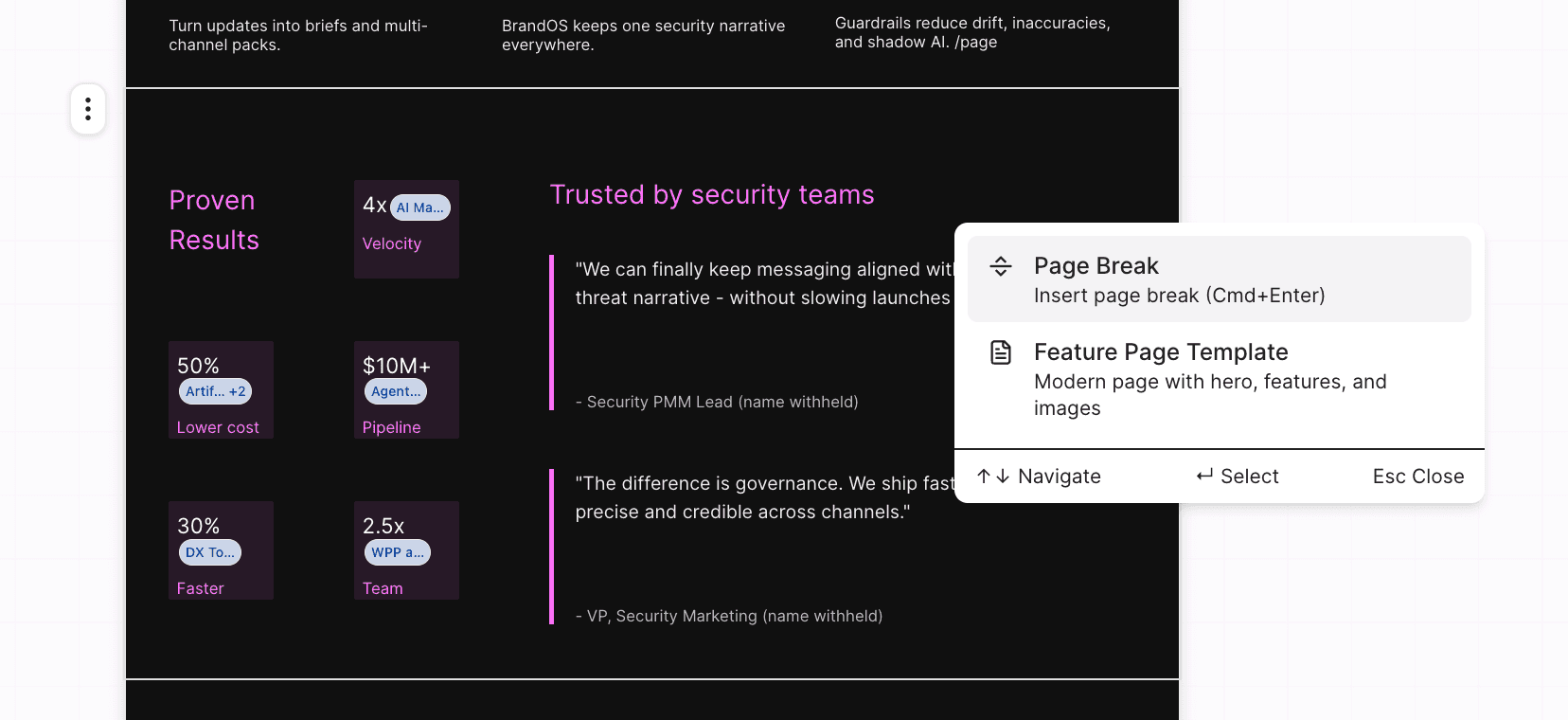
Break content into paginated pages or keep it continuous.
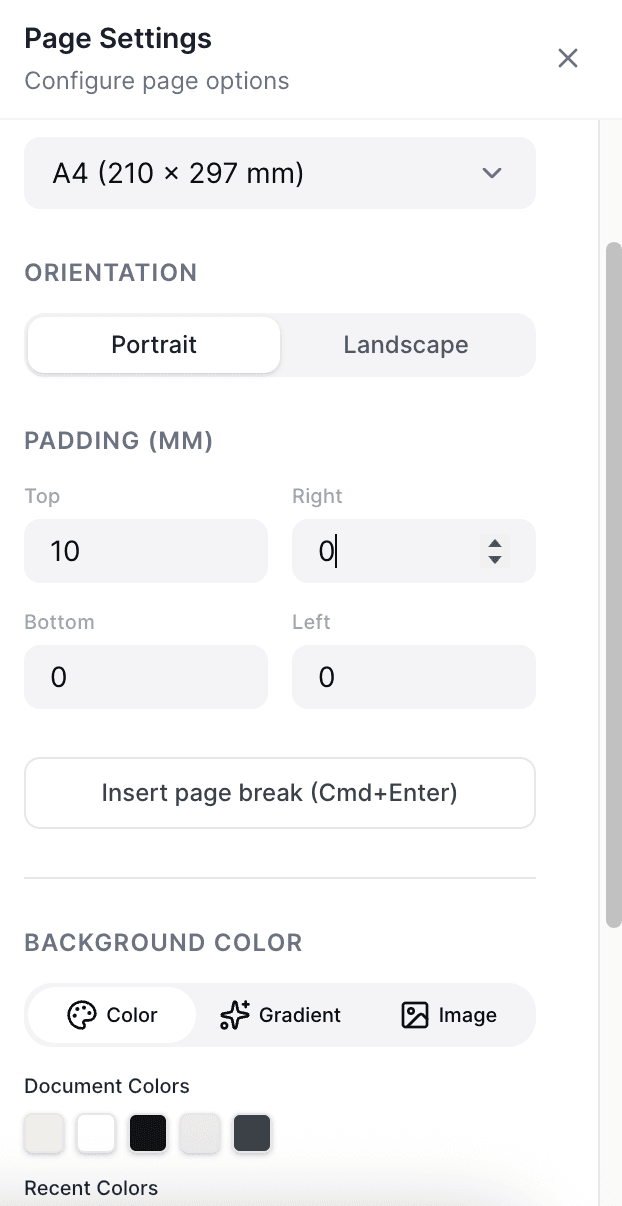
Insert page breaks wherever you need them to keep your document organized and presentation-ready.
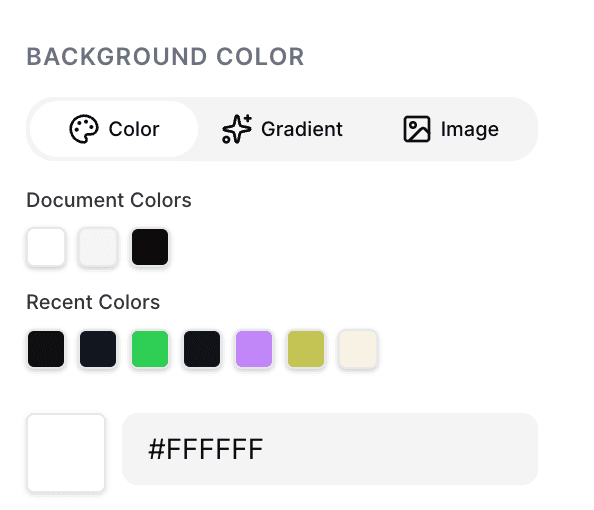
Set background colors, gradients, or images for individual pages to create visually distinct, on-brand documents.
Structured, rich content blocks that replace your module library
Instead of building custom modules for every document, choose from pre-built blocks for text, media, charts, data, and calls to action.
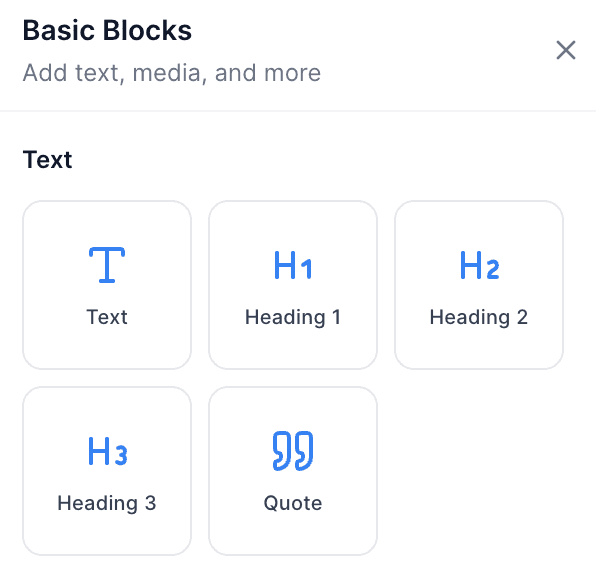
Use text blocks to create headings, body copy, and pull quotes that organize your content and make key messages stand out.
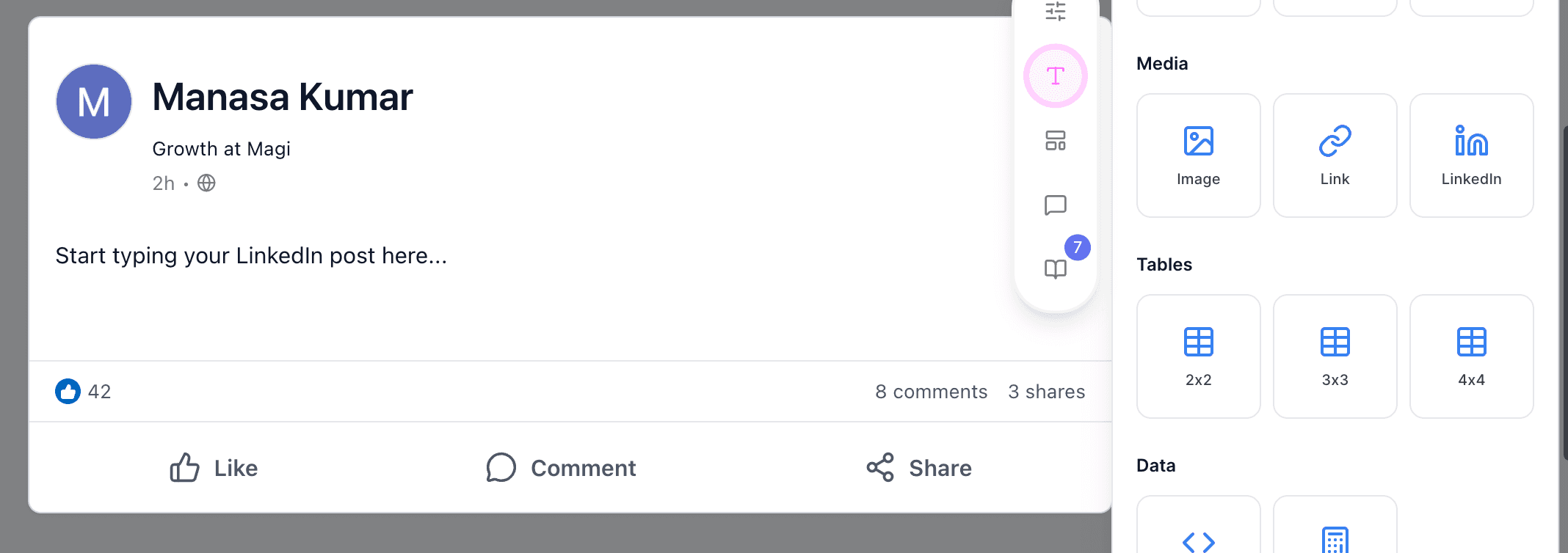
Media blocks make it easy to add images, links, and LinkedIn posts anywhere you need in the document. You can also generate one within the Content Editor using your brand's predefined design guidelines.
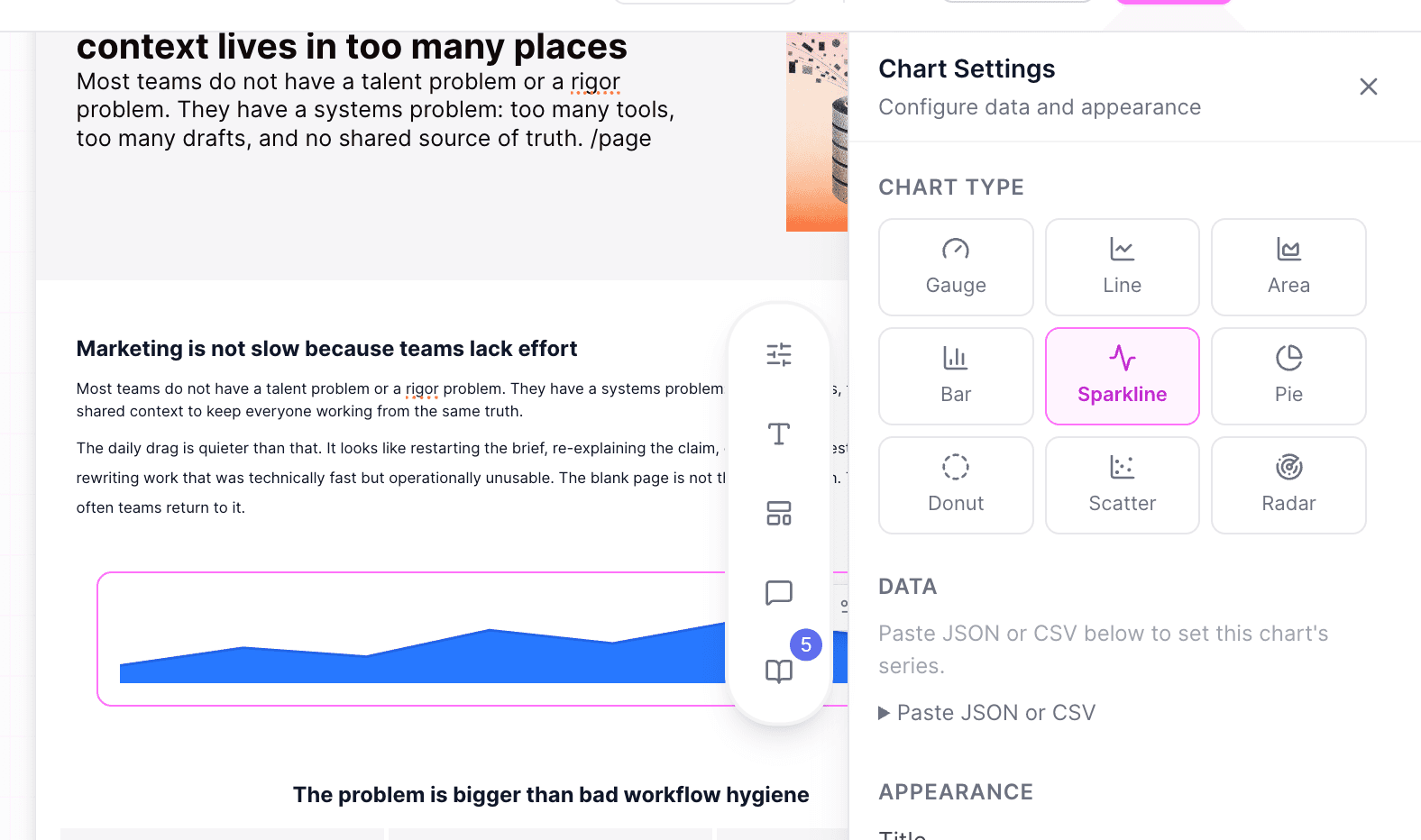
Build charts directly inside your document with support for bar, line, pie, donut, scatter, radar, gauge, and more. Update the data, labels, or colors at any time. Especially suited for reports that change right up until publish day.
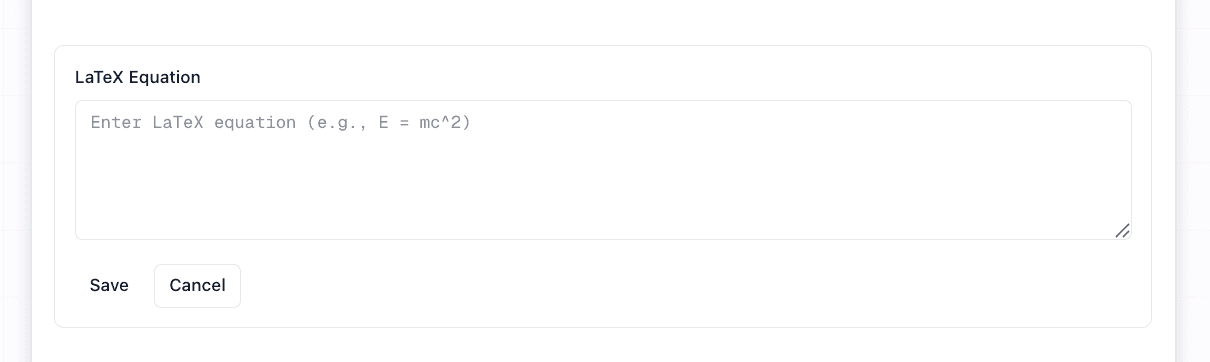
Data blocks make technical content easy to publish. Add syntax-highlighted code snippets and mathematical equations without losing formatting when you publish or export.
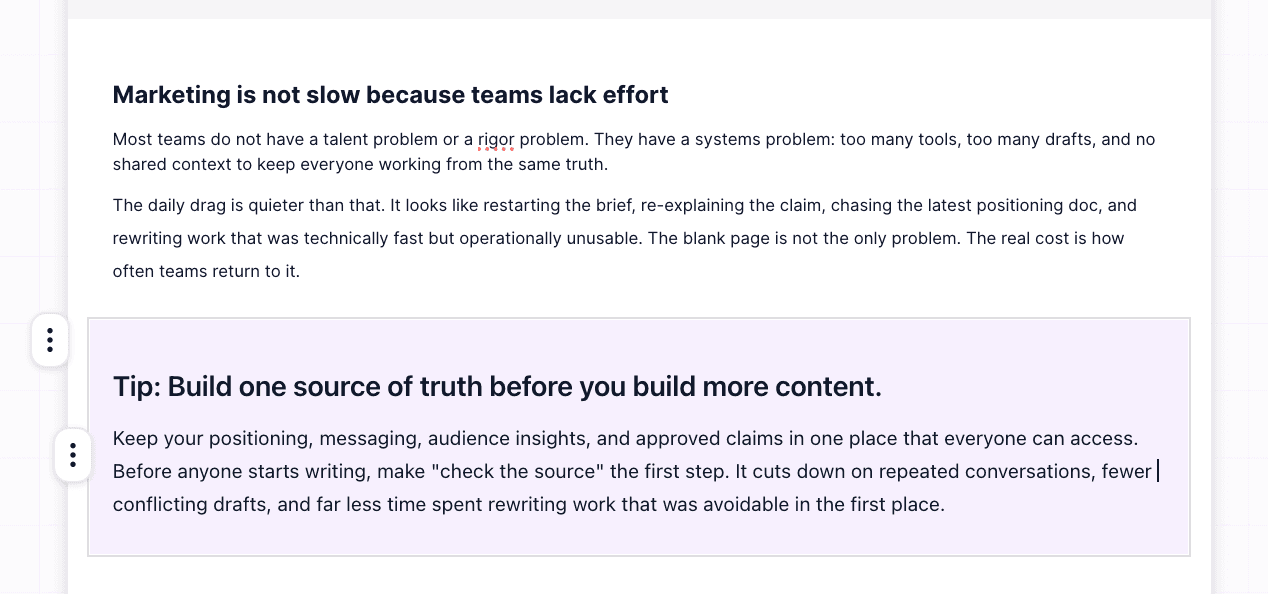
Callout blocks include info, warning, error, success, tip, and note styles, along with a dedicated CTA button block.
Smart Layouts give you page structure
Columns
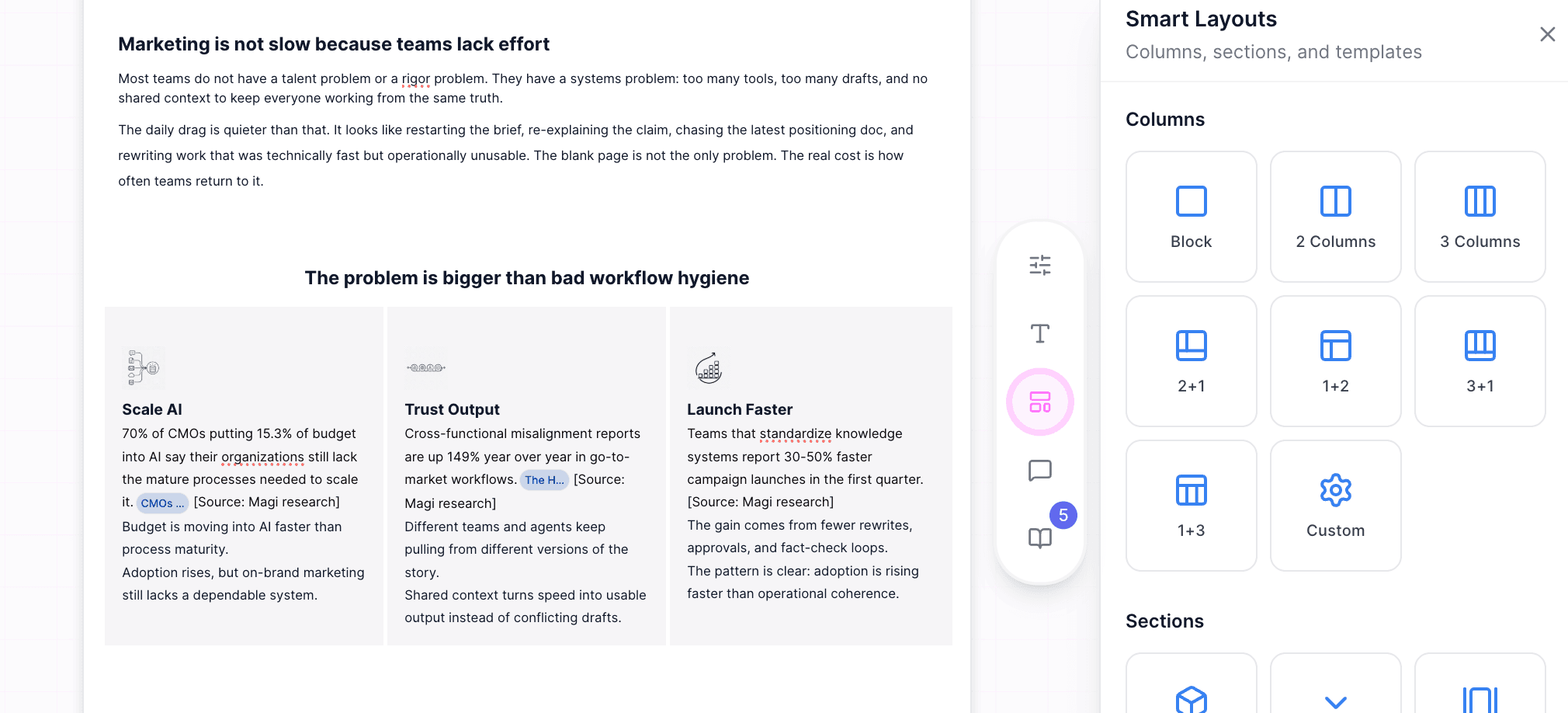
Split any section into two or three columns, or choose layouts like 2+1 and 1+3 when one piece of content needs more space. Choose two or three equal columns, or use layouts like 2+1 and 1+3 when one piece of content needs more space than the other.
Sections
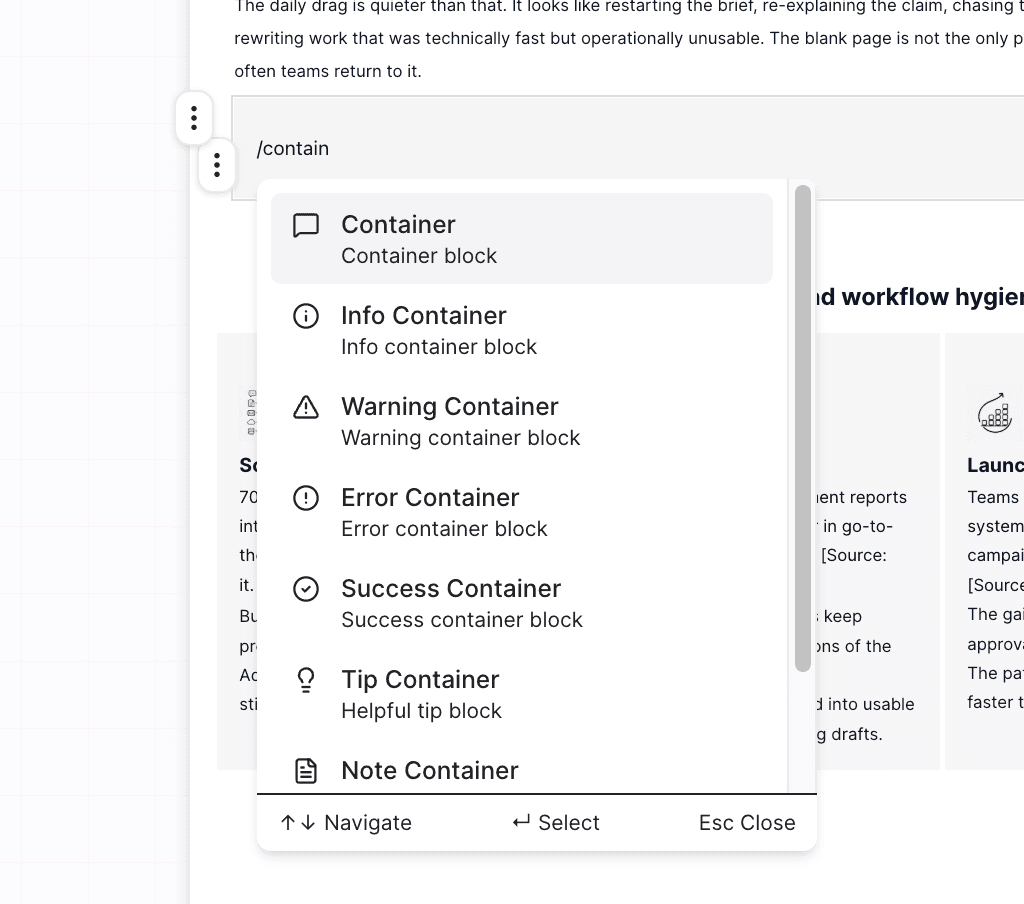
Wrap related blocks in a container so they stay together as a single section while you edit and rearrange the page.
Templates
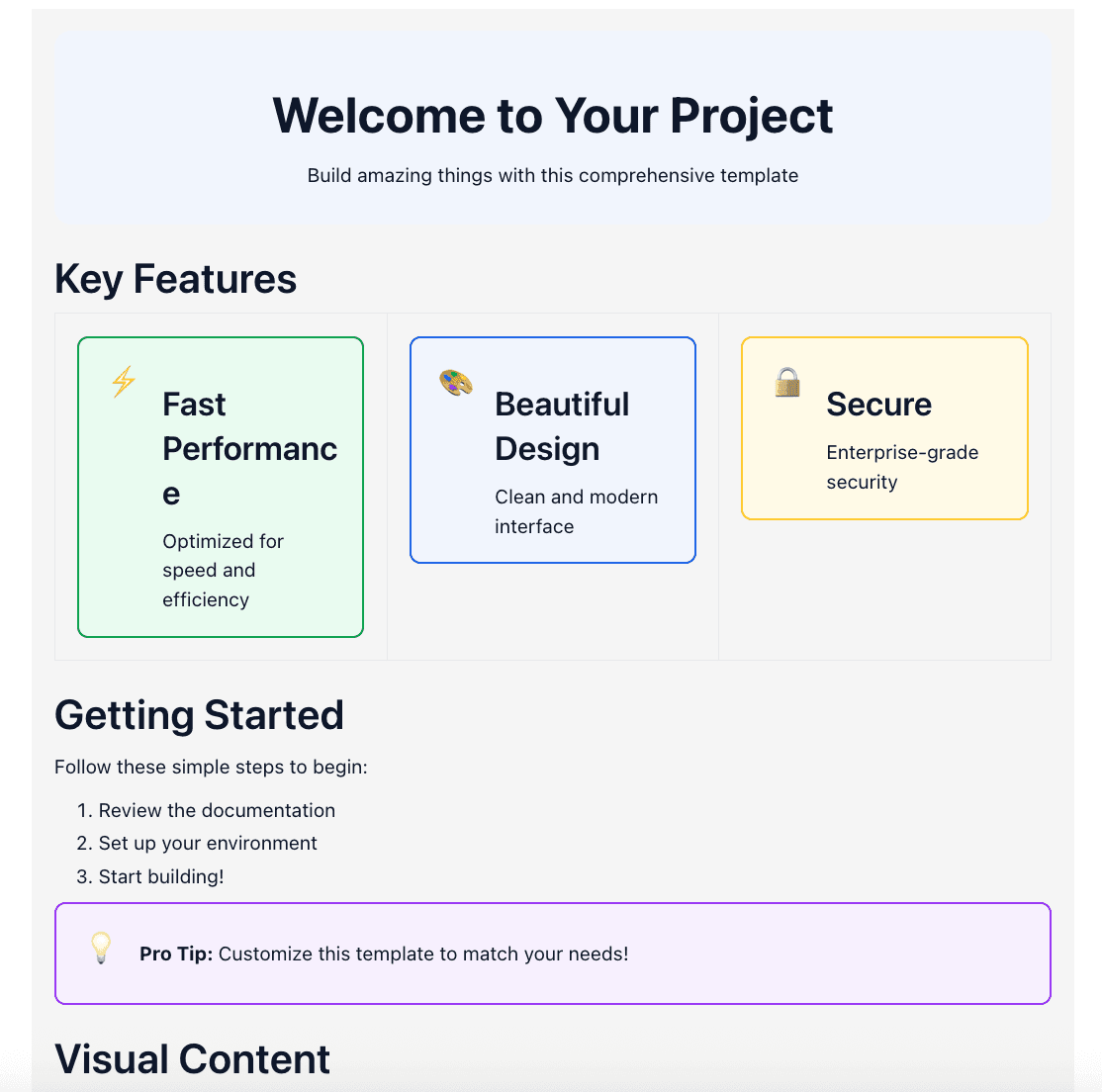
Start with a pre-built feature page instead of a blank canvas. The hero section, benefit blocks, and image placeholders are already laid out, so you can focus on your message instead of building the page from scratch.
Choose the document template when you want a clean starting point without a predefined layout. It comes with sensible defaults for headings, spacing, and lists, giving you a polished foundation while leaving the structure entirely up to you.
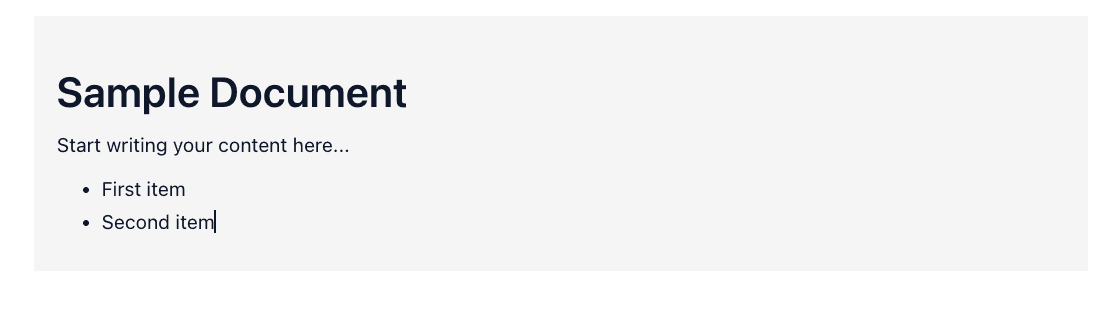
Collaborate in real-time with colleagues
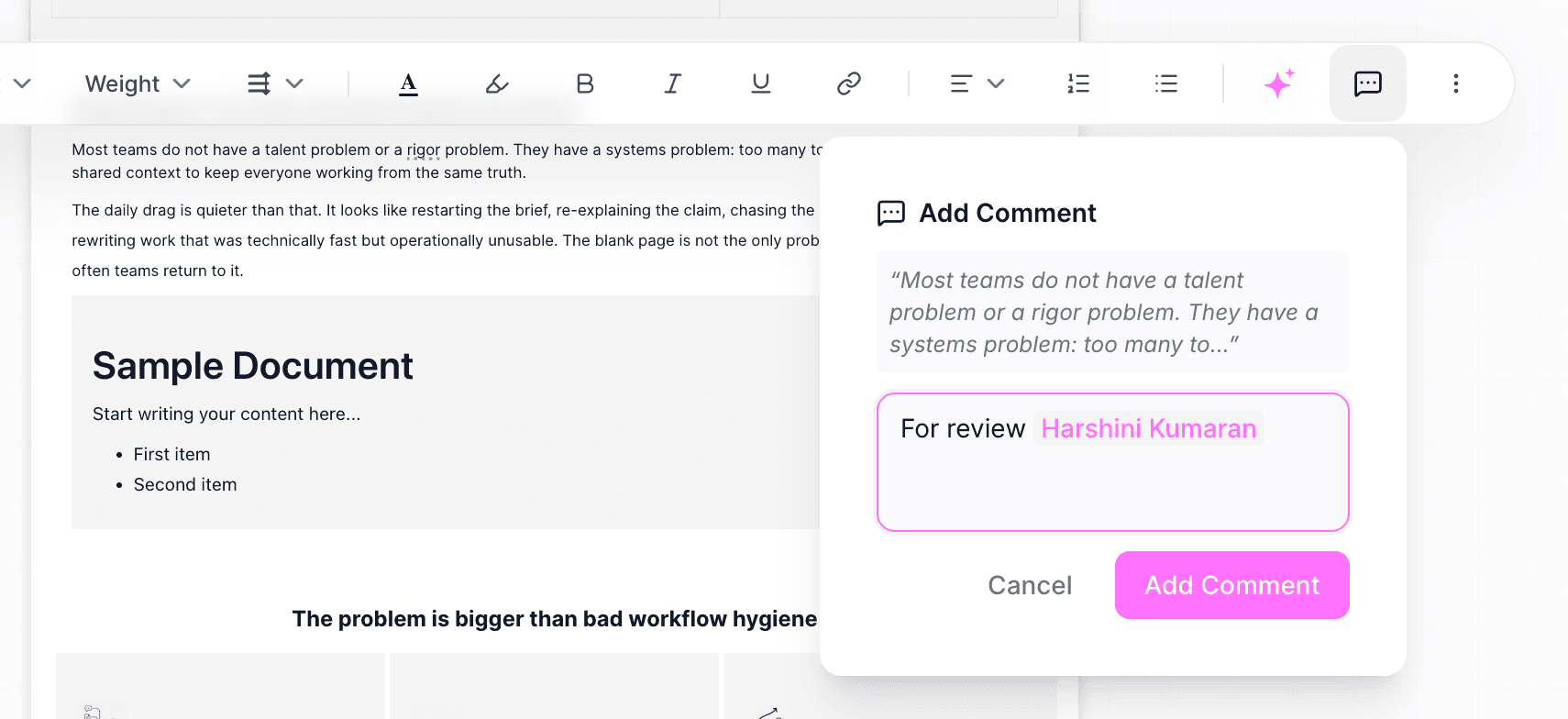
Share drafts with teammates working on the same campaign and collaborate in one place. Leave inline comments, tag colleagues with @mentions.
Resolve feedback faster by choosing ‘Resolve with Magi’ to apply changes directly from the comment thread.
What makes Content Editor different from Figma, CMS Tools and Agencies?
Skip prompt engineering
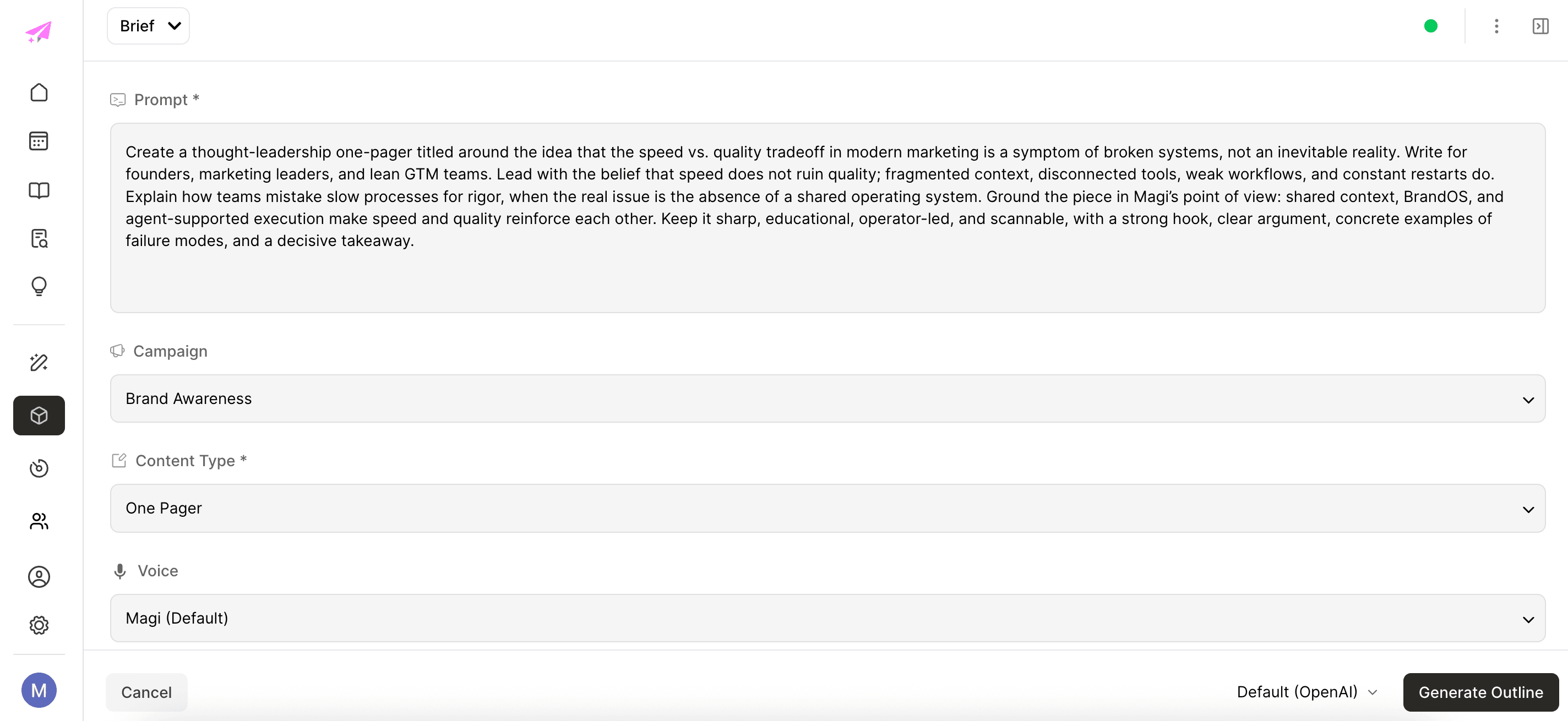
Unlike ChatGPT, where you build the prompt yourself, Magi creates a structured brief from your campaign context. Brand voice, ICP, keywords, research, and knowledge are already pulled in by Magi’s agents, so you spend less time prompting and more time refining.
Create outlines automatically
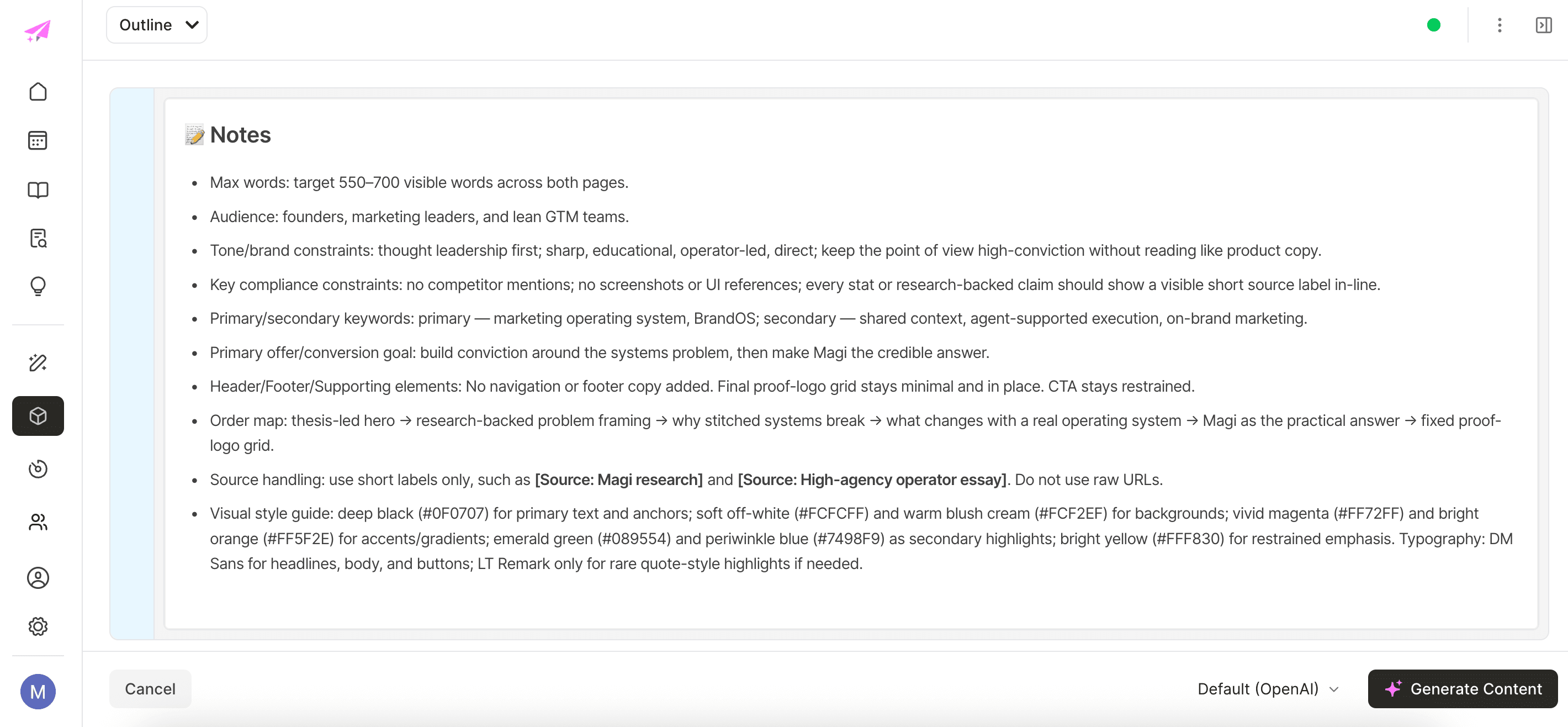
Magi turns your brief into a structured outline before writing begins, giving every piece a clear narrative and flow. Instead of editing a long first draft, you're reviewing a plan that's built around your campaign goals.
Back every claim with trusted citations
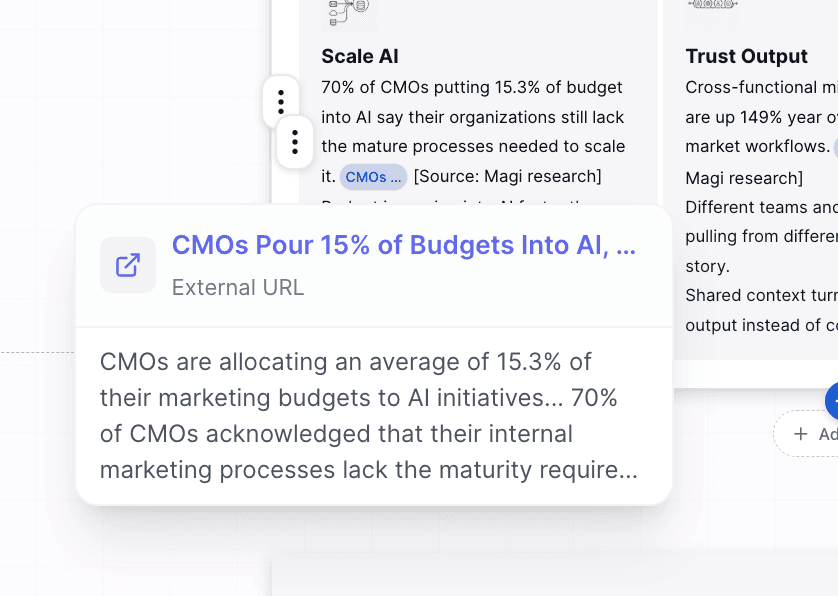
Every claim is backed by citations from your knowledge base and live web sources, with suggestions you can review before accepting. You spend less time verifying facts and more time reviewing content with confidence.
Edit content with Copilot
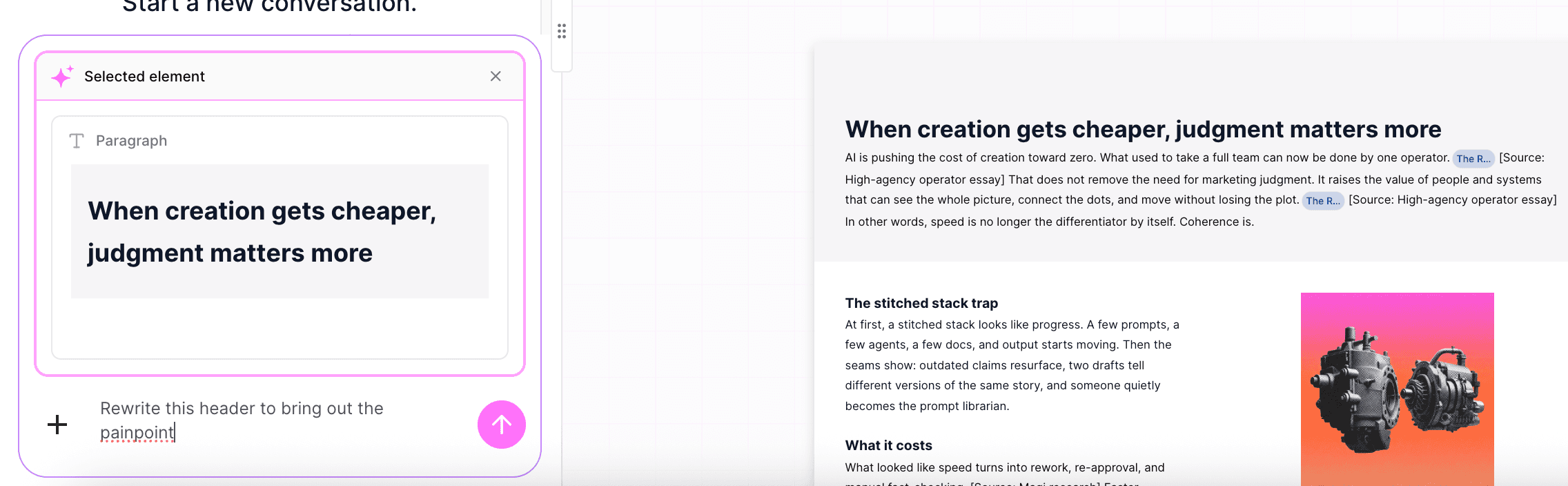
Select any block and ask Copilot to rewrite, shorten, expand, or change the tone without disrupting the page layout. Changes are suggested in-line for review, so you stay in control while editing faster than you would in ChatGPT or a traditional text editor.
Magi Content Editor vs Jasper, ChatGPT & Pepper Content
Capability | Magi | Jasper | ChatGPT | Pepper Content |
|---|---|---|---|---|
Rich document formatting | Full in-document formatting and styling | Text editor with brand voice | Plain text, format elsewhere | Basic rich text |
Page layout controls | Columns, containers, page settings, backgrounds | No | No | No |
Content blocks | Headings, tables, charts, math, CTAs, callouts, LinkedIn block | Limited | No | Limited |
Publishing | LinkedIn live; WordPress and HubSpot rolling out; PDF/DOCX/PNG export | Limited, via integrations | No | Within its platform |
Content lifecycle | Research → ideate → brief → draft → design → review → audit → publish | Draft and campaign assist | Draft only | Draft plus managed service |
Brand-grounded generation | Written against your ontology and knowledge base | Brand voice (Brand IQ), narrower | From your prompt, not your brand | Brand inputs, no ontology grounding |
Sourced, multi-stage pipeline | Inspectable Brief → Outline → Draft with citations and images | One-shot with brand voice | One-shot, no sourcing | Human-assisted, not agentic |
Persistent brand knowledge | Knowledge layer plus learning Brain | Brand assets library | Per-thread memory only | Client brief docs |
Inline citations | Resolved against your sources and live web | No | Only when it searches | Human fact-check |
Brand governance / audit | Governance layer plus brand audit* | Style guardrails | None | Human editorial QA |
Model choice | Anthropic and OpenAI | Multiple, abstracted | OpenAI only | Not disclosed |
Real-time collaboration | Multi-user, comments, @-mentions | Limited | No | Platform workflow |
Ship content without the handoff
The old workflow handed the final steps to other tools and other teams. Content Editor gives marketing teams control over the entire publishing process.
You lay out the page, style it in your brand fonts and colors, drop in charts and callouts, and publish, without opening a design tool or filing a ticket.
Marketing owns its own output end to end and moves at the speed of the campaign instead of the speed of the queue.
Book a demo to see how marketing teams ship finished, on-brand assets without a design or developer handoff.
Already on Magi? Open the Content Editor in your workspace.